How do I handle “tax included” pricing when reporting taxes?
You generally need to back out the tax portion from each sale so you report net taxable sales accurately.
You like all-in pricing because it feels simple for customers, but you are unsure how to separate tax when you file returns.
Taxability of food items varies widely; some states exempt certain grocery items while taxing “prepared foods” or “confections.” Additionally, when vendors choose to include sales tax in their listed prices (tax-inclusive pricing), they typically need to “back out” the tax amount to report the correct gross sales and tax due. This calculation typically needs to align with the exact local tax rate. Vendors may want to consult their state's tax charts to ensure they are applying the appropriate exemptions and formulas.
Set your tax rate in your POS and enable "tax included" so it tracks the breakdown for you. If you calculate manually, use a simple spreadsheet to separate taxable sales from tax collected. Keep the breakdown with your records so filing is accurate and stress-free.
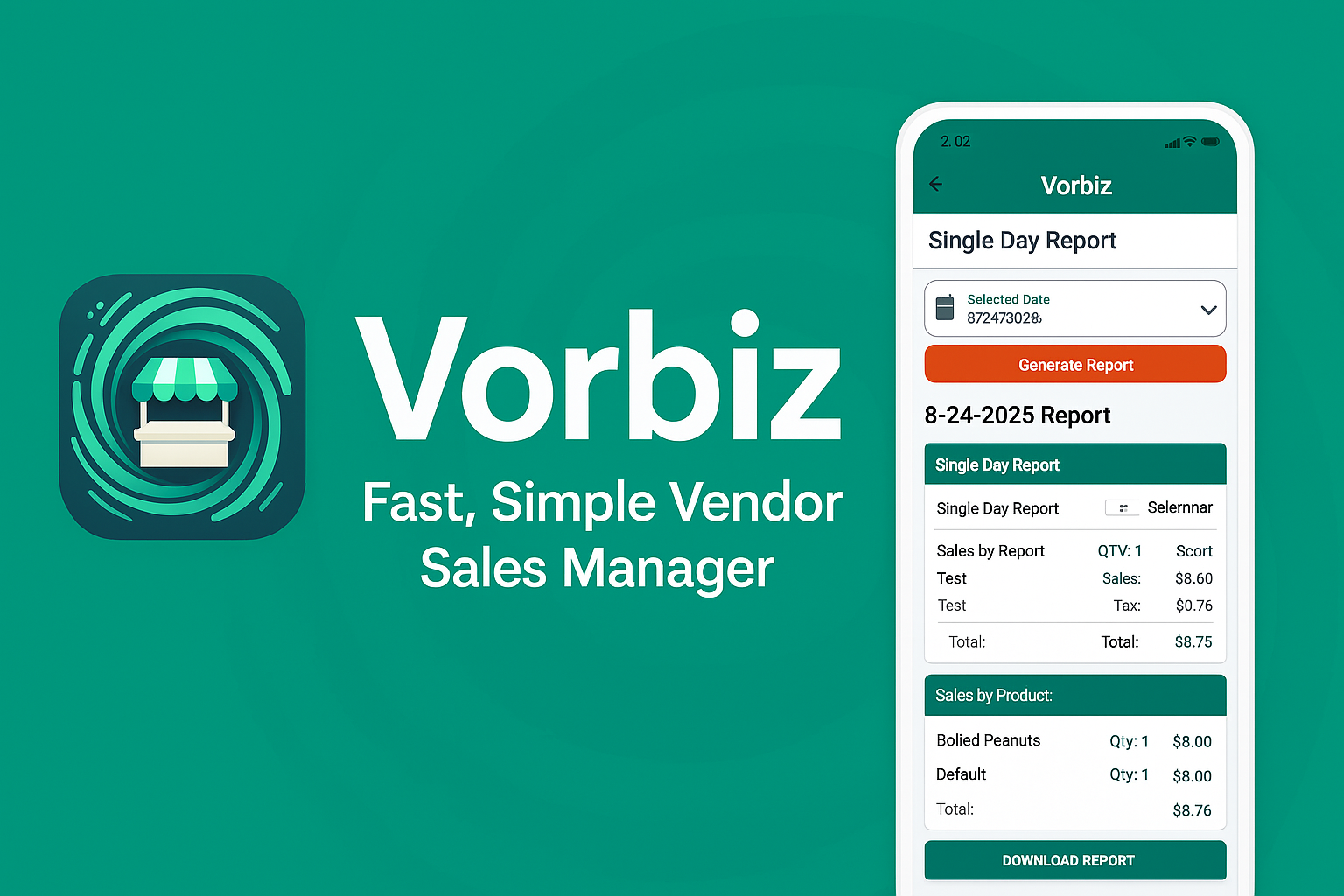
Stop Guessing. Start Growing.
Stop waiting until the end of the month to see if you made money. Get instant clarity on every sale, even without Wi-Fi.


Related resources
LEGAL NOTICE: Information on Vorbiz.net is for educational purposes and not a substitute for professional legal, tax, or financial advice. Read Full Disclaimer