How do I handle “tax included” pricing when reporting taxes?
You must back out the tax portion from each sale so you report net taxable sales accurately.
The Narrative
The Empathy
You like all-in pricing because it feels simple for customers, but you are unsure how to separate tax when you file returns.
The Education
When tax is included, the posted price contains both the taxable sale and the tax portion. To report correctly, you need to back-calculate: divide the total by (1 + tax rate) to find the taxable amount, then subtract to get the tax collected. Many POS systems can do this automatically if configured correctly.
The Solution
Set your tax rate in your POS and enable "tax included" so it tracks the breakdown for you. If you calculate manually, use a simple spreadsheet to separate taxable sales from tax collected. Keep the breakdown with your records so filing is accurate and stress-free.
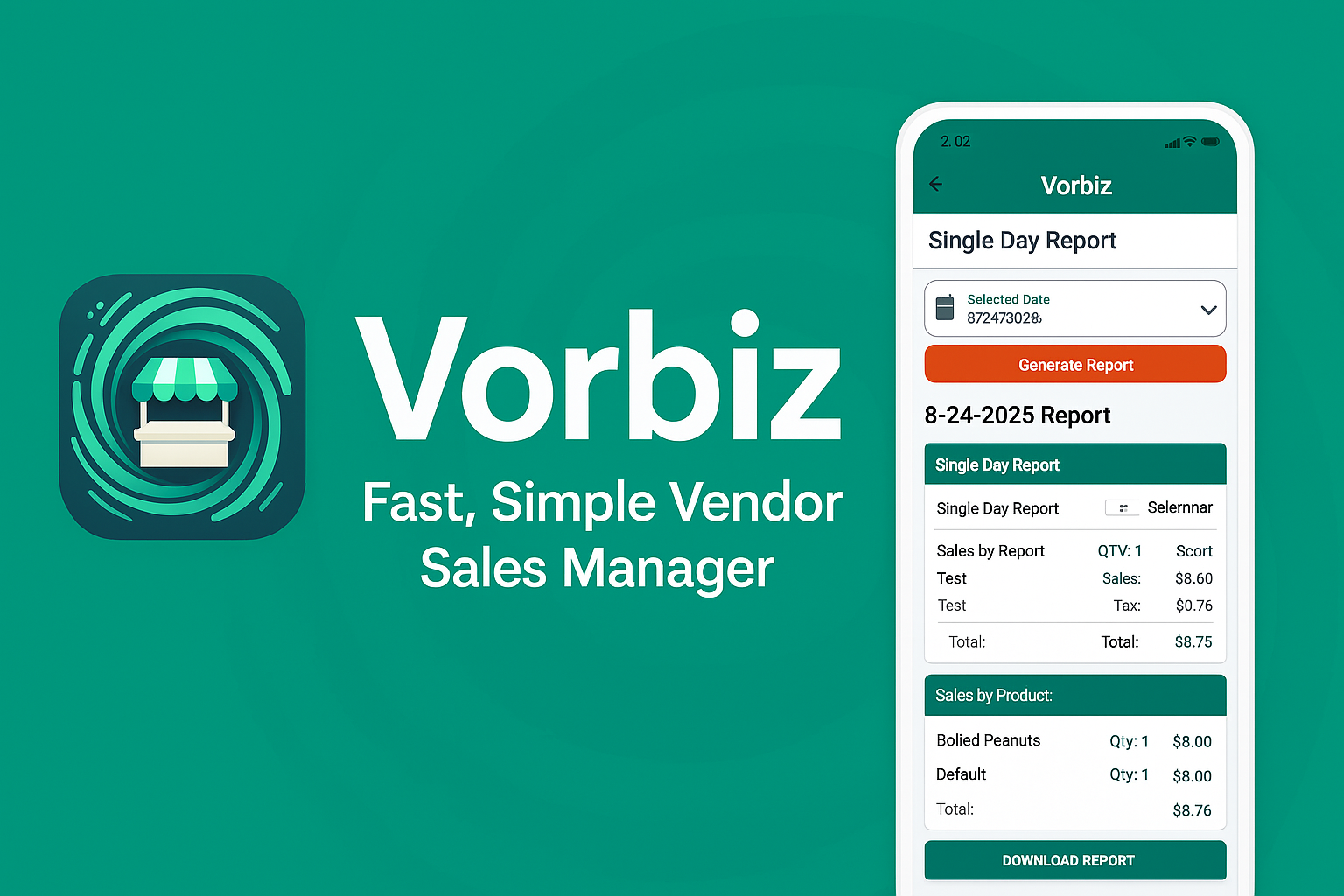
Stop Guessing. Start Growing.
Stop waiting until the end of the month to see if you made money. Get instant clarity on every sale, even without Wi-Fi.

